Free browser extension
The AnyBacklink extension is a free nofollow and dofollow link checker for your browser. It highlights every link on a page as dofollow, nofollow, sponsored or UGC, and shows how many links sit in the main article.
Microsoft Edge: available nowChrome: coming soonFirefox: coming soon
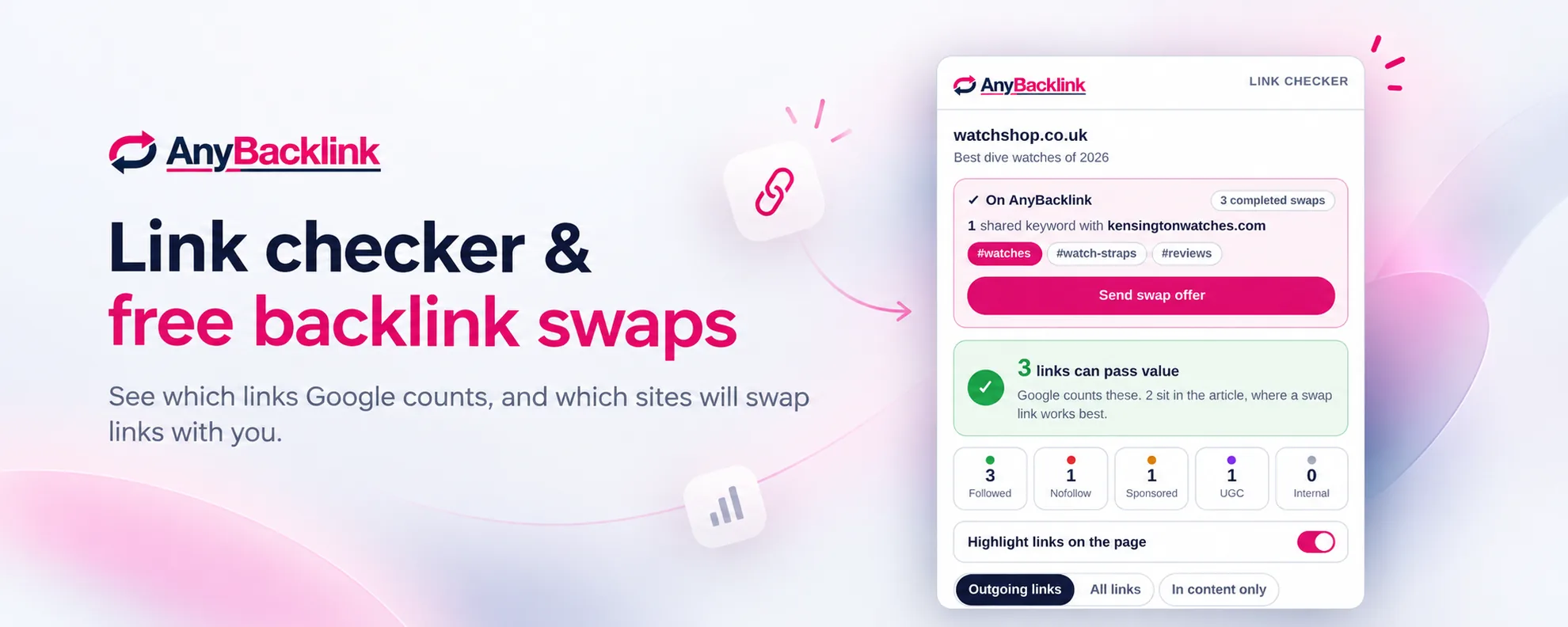
Backlinks are colour-coded on the page
See how many backlinks are followed within the site copy, and where links are most valuable
Warns you if a page is telling Google not to index or follow its backlinks
Show only links to other websites, or only links inside the article text
Click any link in a page report and jump straight to its location on the page
Opening the AnyBacklink extension on any webpage sorts every link into dofollow, nofollow, sponsored, UGC and internal. The extension also tells you in plain English whether a backlink from that page is worth having.
Turning on highlighting in the AnyBacklink extension outlines every link on the page in colour, so you can see exactly where the dofollow links sit.
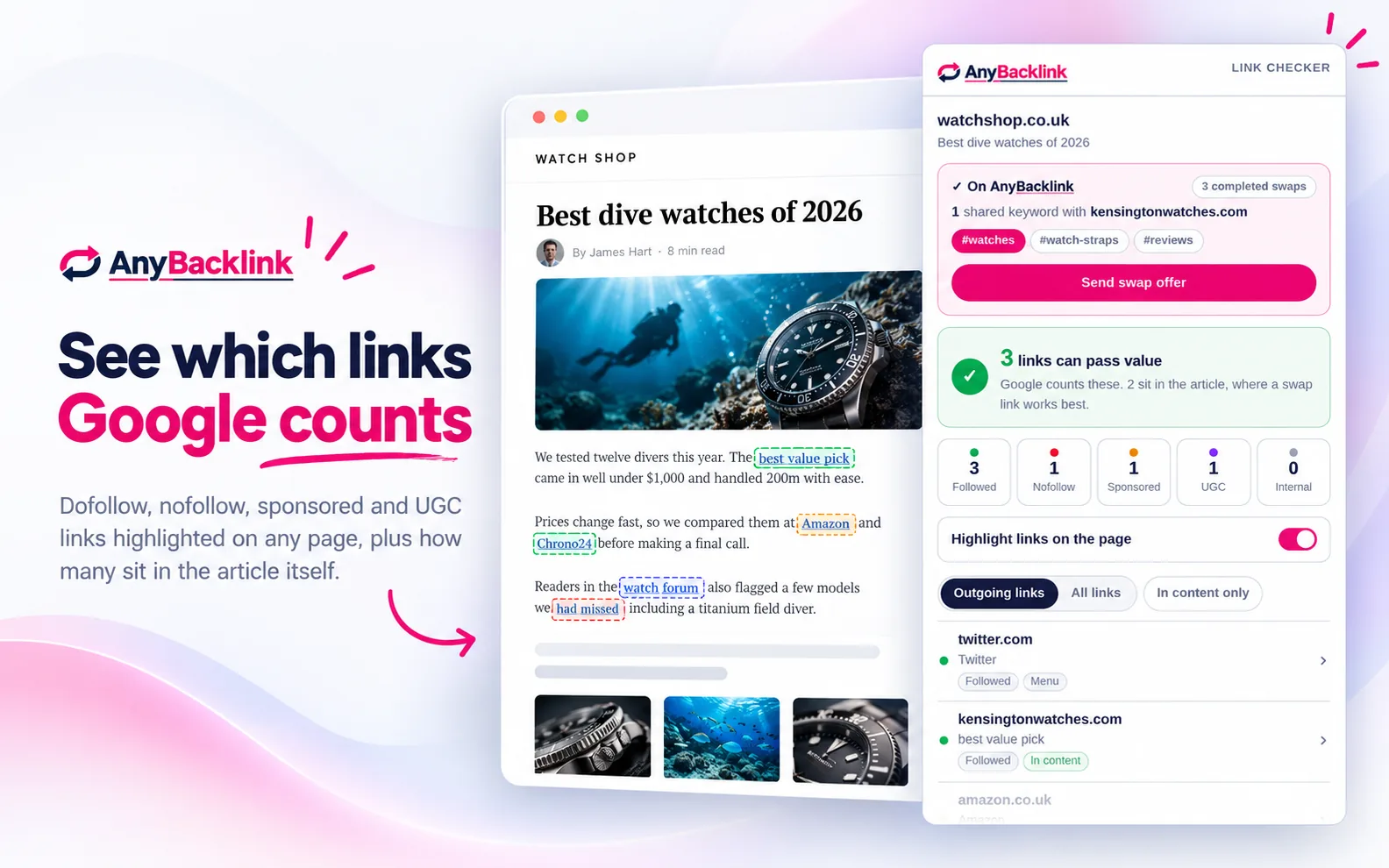
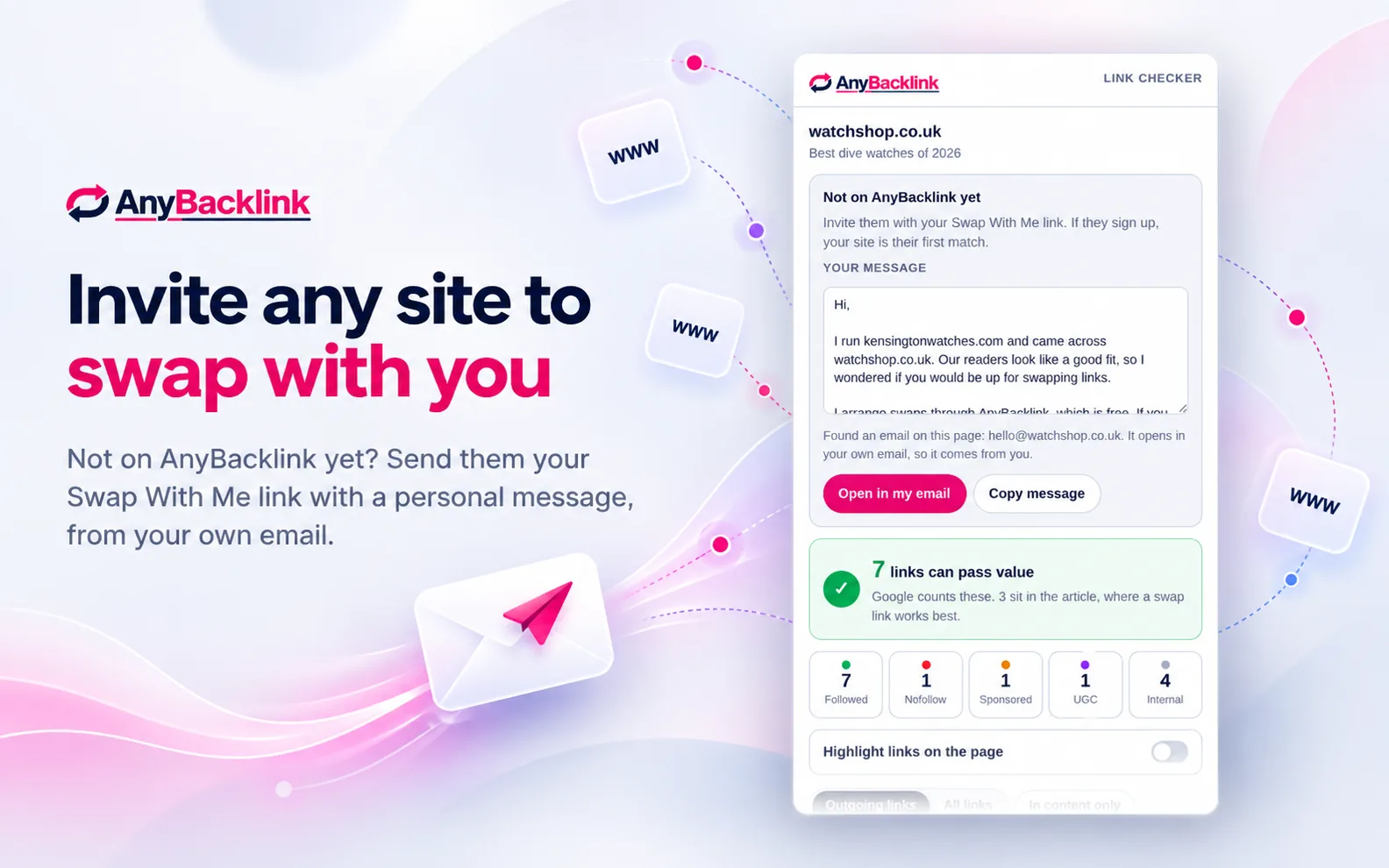
A free AnyBacklink account lets the extension show whether the website you’re viewing already accepts backlinks through us. If they aren’t on AnyBacklink, you can still send them a backlink invite from your own email using the extension.
If both sites are verified AnyBacklink members, you can see the keywords your sites share, and a button to send a backlink exchange offer in one click.
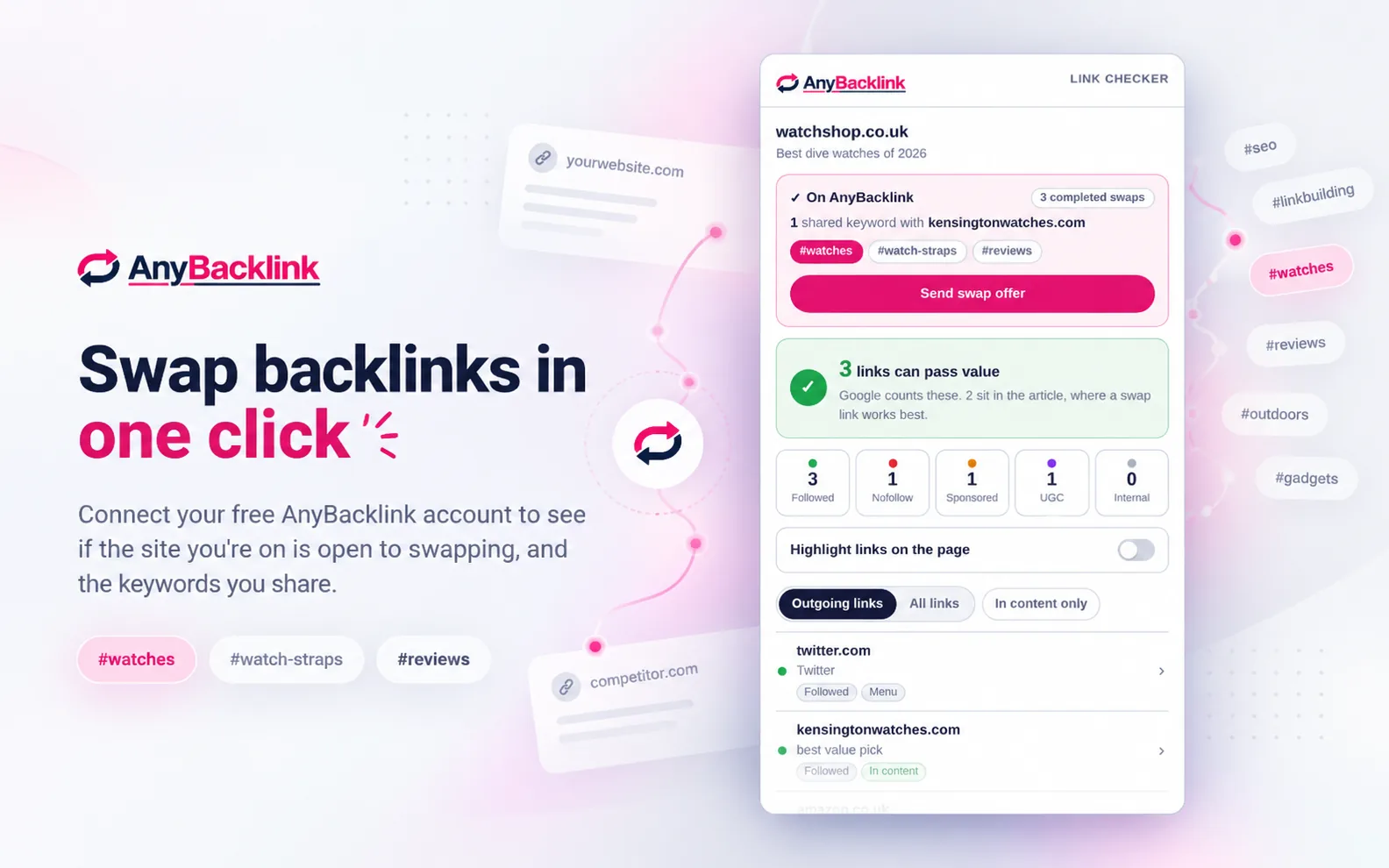
When a website is not on AnyBacklink, the extension writes a backlink swap request that includes your Swap With Me link.
The swap request opens in your own email or can be pasted into the website’s contact form, so it always comes from you. If the site owner signs up, your website becomes their first match.
Every link on a webpage is dofollow, nofollow, sponsored, UGC or internal. Only dofollow links to other websites pass ranking value, and dofollow links inside the main article are worth the most.
Dofollow
A dofollow link is a normal link with no rel attribute. Google can follow a dofollow link and count it as a vote for the page it points to.
Nofollow
A nofollow link is marked rel="nofollow", which asks Google not to count it. Nofollow links usually pass little or no ranking value.
Sponsored
A sponsored link is marked rel="sponsored" and is used for paid placements and affiliate links. Google does not count sponsored links as votes.
UGC
A UGC link is marked rel="ugc" and is left by users in comments or forums. UGC links usually pass little ranking value.
Internal
An internal link points to another page on the same website. Internal links help that website, but are not backlinks to anyone else.
The AnyBacklink dofollow vs nofollow guide explains when each type of link is used and what it means for backlinks.
Install the free AnyBacklink extension from the Microsoft Edge Add-ons store. Chrome and Firefox versions are coming soon.
The link check runs as soon as you click the AnyBacklink icon, with no account needed.
Connecting a free AnyBacklink account is optional, and shows which websites are open to backlink swaps.
Verified AnyBacklink members receive a swap offer. Any other website gets a message with your Swap With Me link.
The AnyBacklink extension only runs when you click its icon, and the link check happens on your own computer. Unlike most link checker extensions, AnyBacklink cannot read the sites you visit in the background.
The AnyBacklink privacy policy explains exactly what the extension sends and stores.
Yes. The AnyBacklink extension is free, including the link checker and the backlink swap features, with no ads and no paid tier.
No. The AnyBacklink link checker works as soon as the extension is installed, with no account needed.
You only need a free account if you want to see whether a site is open to swapping links, send swap offers, or invite sites with your Swap With Me link.
A dofollow (normal) link can pass ranking value to the page it points to. A nofollow link carries rel="nofollow", which asks Google not to count it. Sponsored and UGC are related labels for paid links and user-submitted links.
Our dofollow vs nofollow guide explains when each one is used and what it means for backlinks.
No. The AnyBacklink extension only runs when you click its icon, and the link check happens on your own computer.
If you connect your account, it sends us only the domain of the site you are on, such as example.com, so it can tell you whether that site is on AnyBacklink. We do not store those lookups. The full details are in our privacy policy.
No. AnyBacklink never emails site owners on your behalf. Swap invites open in your own email or are copied for you to paste into the website’s contact page.
The AnyBacklink extension is available now for Microsoft Edge. Versions for Chrome and Firefox are coming soon.
Yes. The free AnyBacklink online nofollow checker checks any page from your browser, with no install needed.
The AnyBacklink nofollow checker extension is coming soon to Chrome. Until then, the online nofollow checker works in any browser, including Chrome.
Install the free AnyBacklink extension, then join AnyBacklink to see which websites are open to swapping backlinks with you.
Microsoft Edge: available nowChrome: coming soonFirefox: coming soon